Microsoft Teams Rooms installation in Scotland
A meeting room with its own built-in Teams computer, so anyone can walk in and start a meeting with one touch. No laptop needed. Designed, installed and handed over across Glasgow, Lanarkshire, Edinburgh and central Scotland.
Small Teams Room
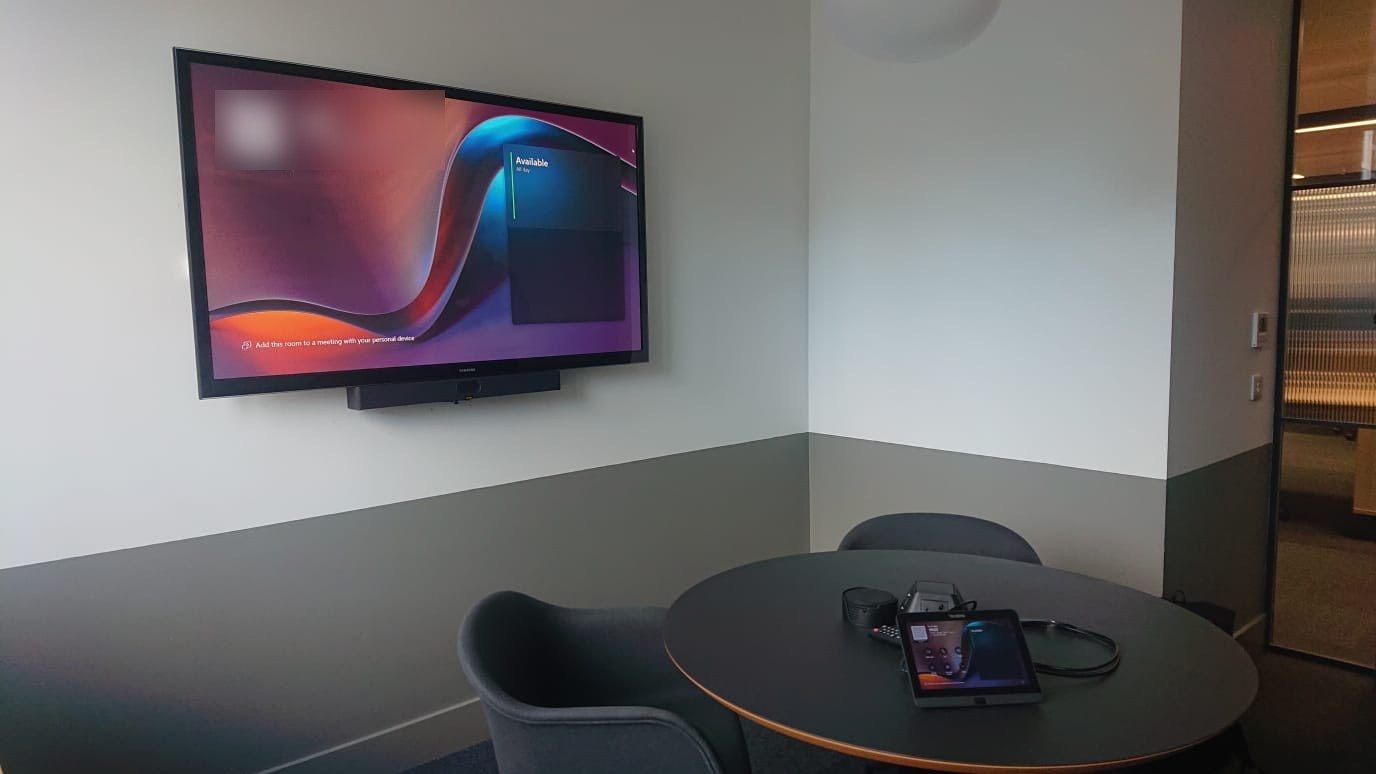
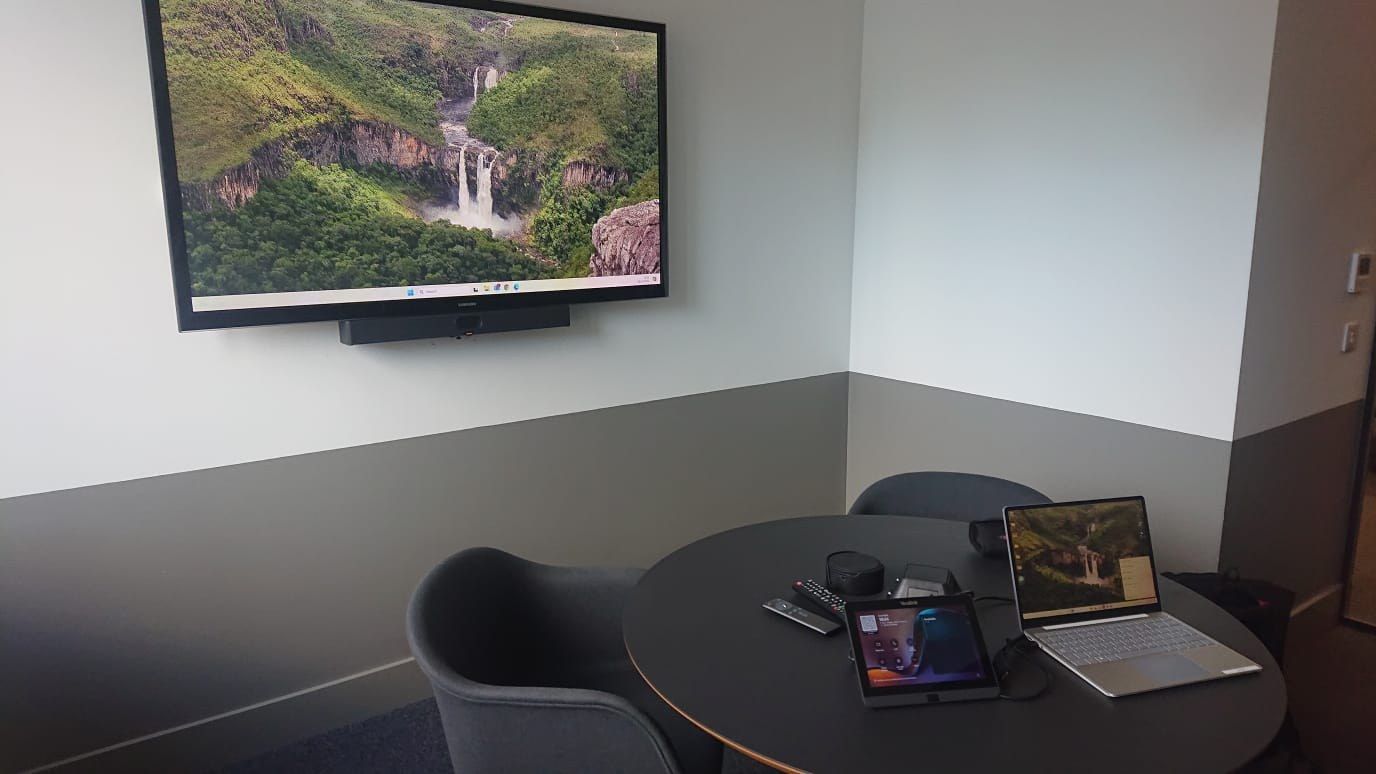
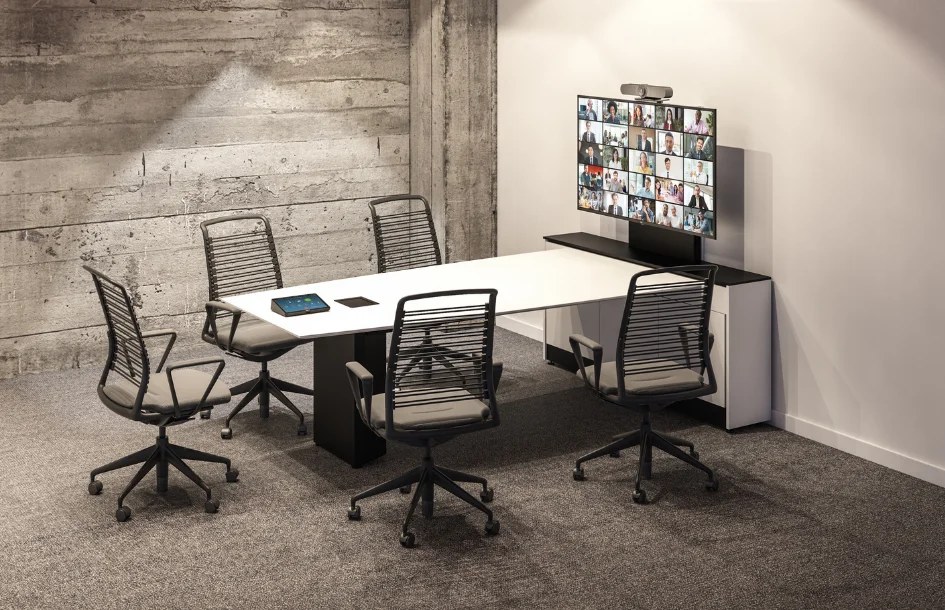
A 65-inch screen, a Neat Bar that runs Teams Rooms itself and a Neat Pad on the table. Ideal for huddle rooms and small offices.
- 65" Samsung commercial display
- Neat Bar Generation 2 with a Neat Pad touch controller
- Low-profile wall mount, cabling hidden
- Room account set up with your IT, updates and a test call
Meeting room
A 75-inch screen and a dual-camera Neat Bar Pro that frames whoever is speaking, for the busiest room in the office.
- 75" Samsung commercial display
- Neat Bar Pro with dual cameras and a Neat Pad touch controller
- Laptop sharing for guests
- Accounts, updates, a test call and a handover guide
Boardroom
Two screens so people and content are both on view, a Neat Center on the table so everyone is seen and heard, and a booking panel outside the door.
- Two 85" Samsung commercial displays
- Neat Bar Pro with Neat Center and a Neat Pad Pro
- Neat Pad booking panel at the door and a guest HDMI/USB-C input
- Survey drawing, configuration, testing and training
QUICK ANSWER
A Microsoft Teams Room is a meeting room with its own Teams computer, camera, microphones and touch console, so anyone can start or join a Teams meeting with one tap, without a laptop. Atmos AV designs and installs Teams Rooms with Samsung screens and Neat video bars and boards across Glasgow, Lanarkshire, Edinburgh and central Scotland. Each room needs a Microsoft Teams Rooms licence, which we explain and set up with you.
Walk in. Tap. The meeting starts.
Its own Teams computer
The room is signed in to Teams with its own account, so it shows the day's meetings and joins with one tap on the console.
Seen and heard
The video bar's camera frames the room and its microphones pick up everyone at the table.
Share from any laptop
Guests can share their screen to the room with a cable or from Teams, without installing anything.
Managed centrally
Your IT team can see and update every room from Microsoft's Teams Rooms tools.
Not sure you need a Teams Room?
A BYOD room lets someone plug their laptop into the room's screen, camera and microphones. A Teams Room has its own built-in Teams computer, so anyone can walk in and start a meeting with one touch.
| Feature | BYOD room | Microsoft Teams Room |
|---|---|---|
| How you join | Plug in your laptop: one USB-C cable | One tap on the touch console |
| Platforms | Any: Teams, Zoom, Meet, Webex | Teams, plus guest join to Zoom and Webex |
| Licence | Not needed | A Teams Rooms licence per room, billed by Microsoft |
| Best for | Small rooms, mixed platforms | Busy rooms, Microsoft 365 businesses, several rooms the same |
Already have a BYOD room from us? We can add a Teams Rooms bar and console to the same screen later. Plan your room in 3D.
From first call to first meeting
- 01
Plan the room
Use the room planner or send photos of the room. We recommend the kit and come back with a fixed price.
- 02
Agree the IT side
We share the network and account requirements up front and agree with your IT team who sets up the room account and licence.
- 03
Install and test
Screen mounted, cables hidden, the room signed in, updated and tested with a real call.
- 04
Hand over
A quick walk-through for your team and a quick-start card left in the room.
Questions, answered
What is a Microsoft Teams Room?
A meeting room with its own built-in Teams computer, camera, microphones and touch console, so anyone can walk in and start or join a Teams meeting with one touch, without connecting a laptop.
Do Teams Rooms need a licence?
Yes. Each Teams Room needs a Microsoft Teams Rooms licence. There is a free Basic licence for a small number of rooms with fewer features, and a paid Pro licence per room per month with the full feature set and management tools. We confirm current Microsoft pricing when we quote.
What is the difference between a BYOD room and a Teams Room?
In a BYOD room you connect your own laptop to the room's screen, camera and microphones and run the meeting from it, on any platform. A Teams Room has a dedicated Teams computer in the room, so no laptop is needed and the room is managed centrally.
Can a Teams Room join Zoom or Webex meetings?
Yes. Teams Rooms can join Zoom and Webex meetings as a guest from the invitation, and anyone can share their laptop to the screen.
Which Teams Rooms hardware do you install?
Neat: Neat Bar and Neat Board video devices with Neat Pad touch controllers, on Samsung commercial displays. The same Neat hardware can also run Zoom Rooms. We check the device is on Microsoft's current certified list on the day we order.
Our Teams Rooms device is out of certification. What now?
Microsoft keeps supporting the Teams app on a certified device for two years after its certification ends, so the room keeps working while you plan a replacement. We can check your devices and quote for the upgrade.
Can you work with our IT team?
Yes. We share network and account requirements up front, set up the room account with your IT team or on their behalf, and hand over clear documentation.
Where do you install Teams Rooms?
Across Glasgow, Lanarkshire, Edinburgh and central Scotland as standard, and UK-wide for multi-site rollouts.
Plan my Teams Room
Plan your room in two minutes and we'll send the layout and recommended kit, then come back with a fixed price.